Efficient Charging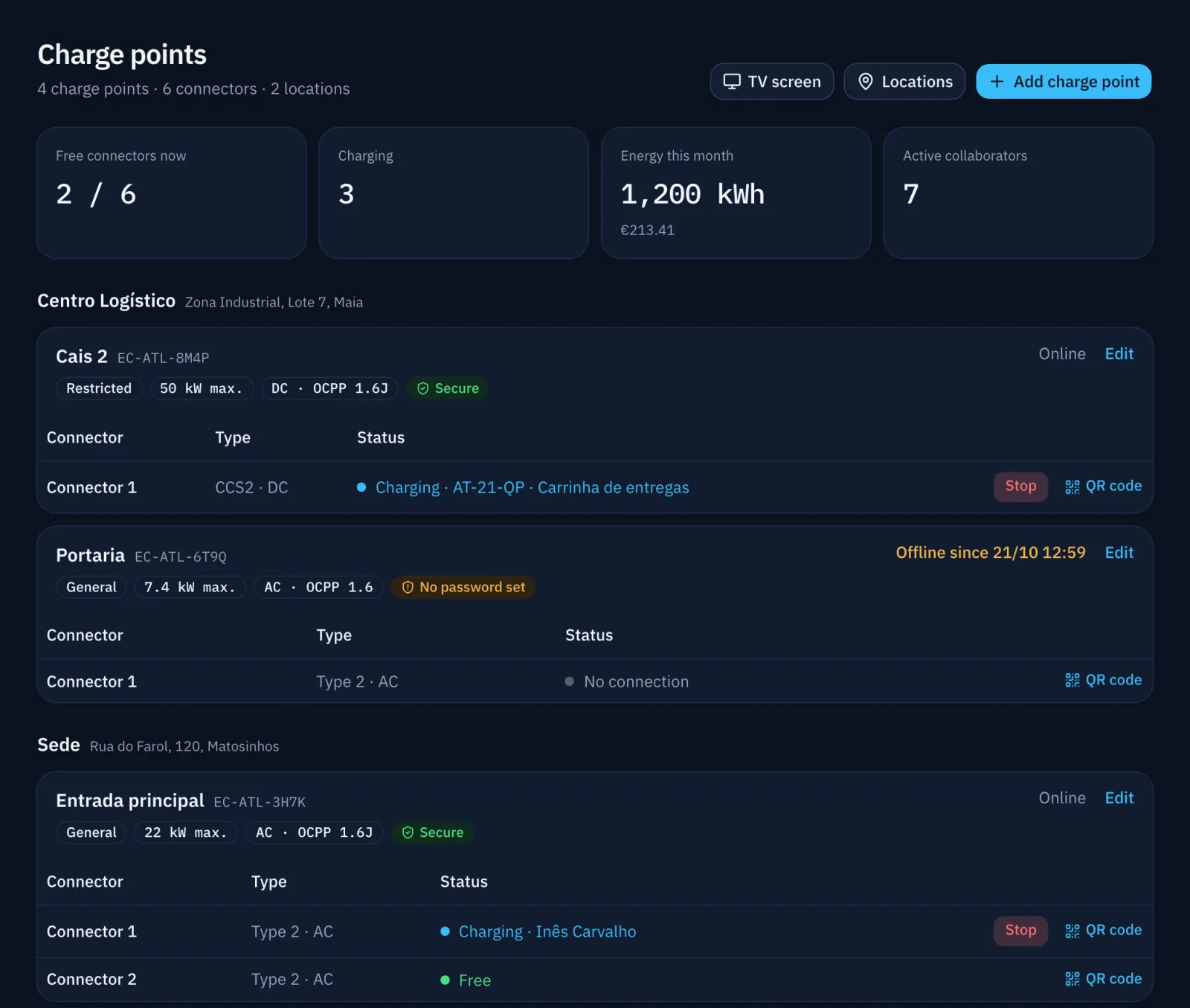
Adding and configuring a charger
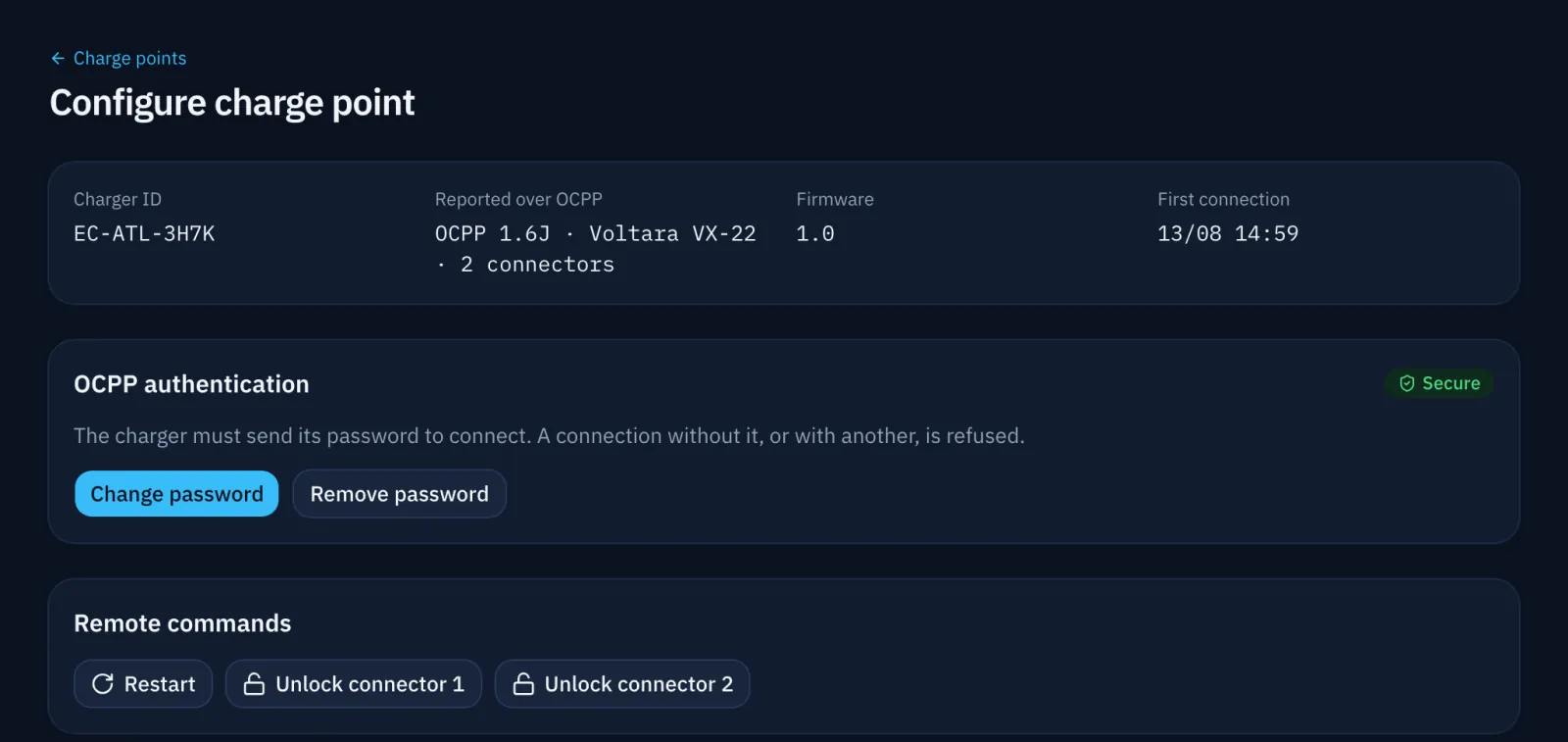
"Add charge point" reserves a Charger ID and shows what to set on the charger: OCPP 1.6J or 2.0.1, the server address and the Charger ID. When it first connects, the charger appears by itself with its make, model and connectors.
The same screen sets the charger's password, location, power and who may use it. Remote commands restart the charger or release a stuck cable.
Charge points › Configure